NotebookLM adds automatic Drive syncing to keep AI research sources current
Google’s update removes the need to manually refresh Docs, Sheets, and Slides in NotebookLM, while keeping Drive permissions and deleted files linked to source access.

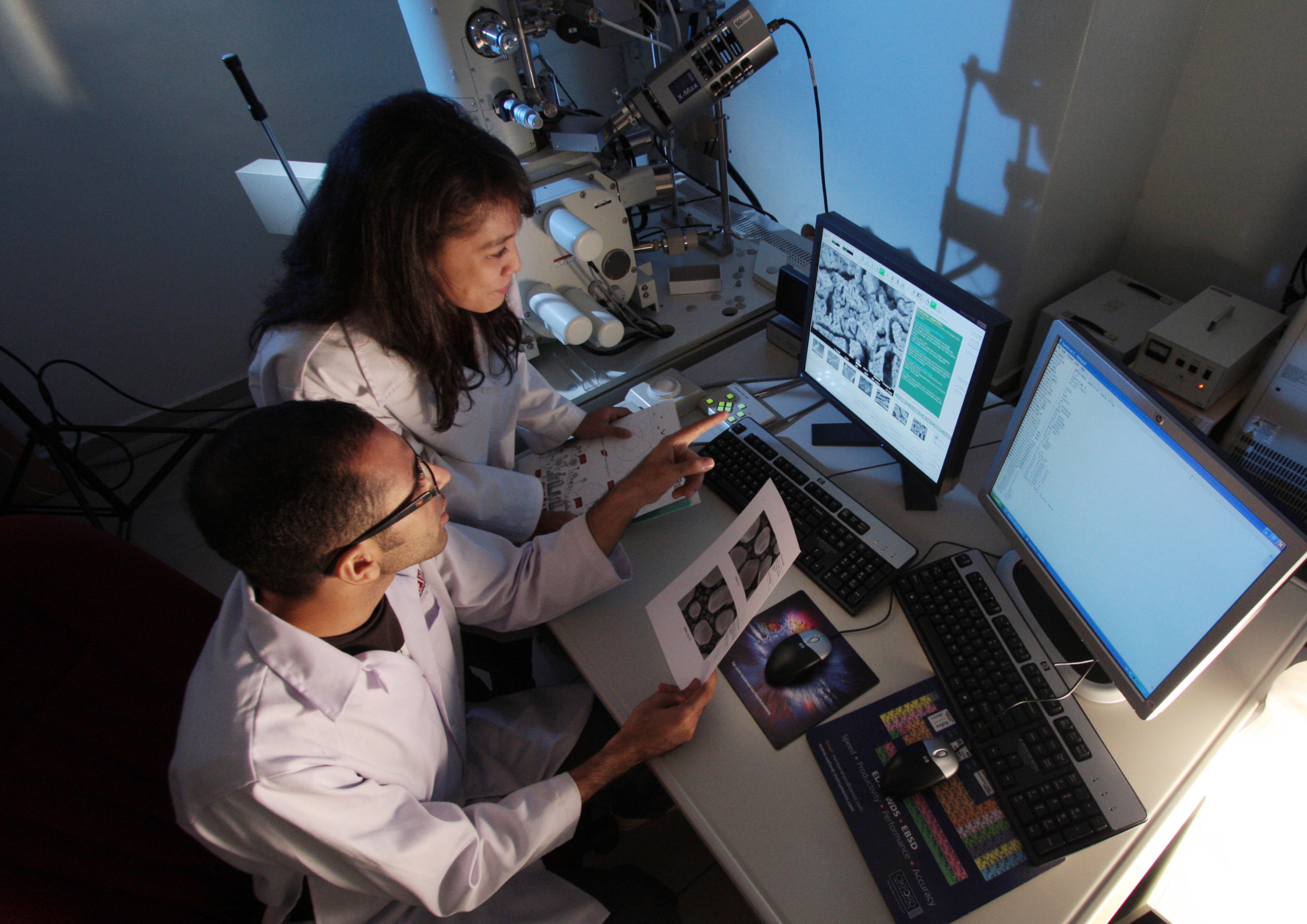
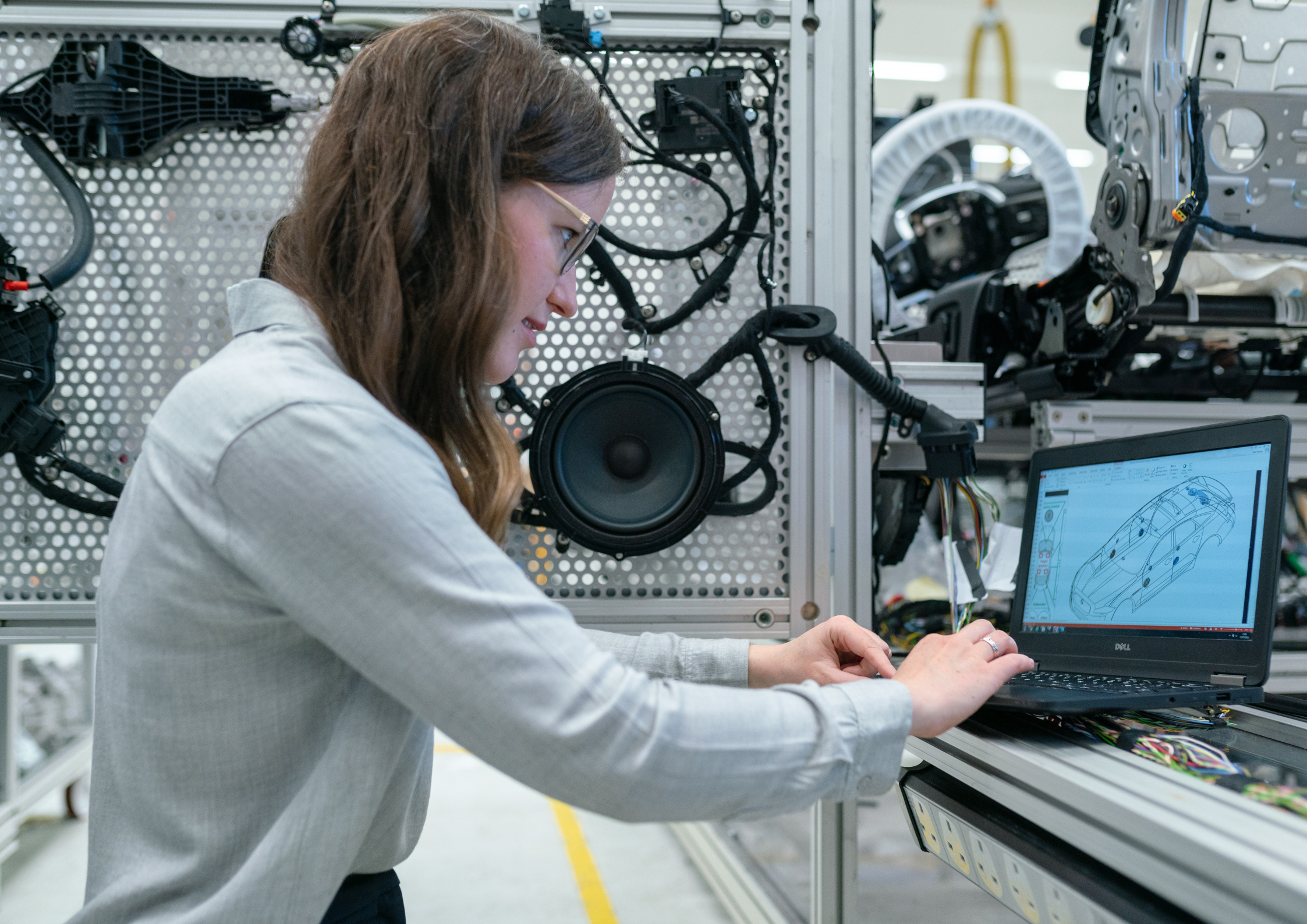
Google is rolling out automatic Drive syncing in NotebookLM for Docs, Sheets, and Slides sources. Photo credit: Unsplash
Google is rolling out automatic Google Drive syncing in NotebookLM, allowing sources from Google Docs, Sheets, and Slides to update inside notebooks as the original files change.
The update began rolling out on May 26, 2026, for Rapid Release and Scheduled Release domains, with feature visibility expected to take up to 15 days. It is available to all Google Workspace customers and users with personal Google accounts who have access to NotebookLM.
The change is relevant for schools, universities, research teams, and education organizations using NotebookLM for AI-supported research, lesson planning, project work, policy documents, meeting notes, and internal knowledge bases.
Previously, users who uploaded a Google Docs, Sheets, or Slides file into NotebookLM had to manually update the source to reflect later changes. With automatic syncing, NotebookLM will keep the notebook source aligned with the latest version in Google Drive.
The update also links NotebookLM more tightly to Drive permissions. If a user loses access to a Drive file, that file can no longer be used as a NotebookLM source. If a file is deleted from Drive, it will also be removed from the notebook.
Automatic source updates for Docs, Sheets, and Slides
NotebookLM is designed to help users work with selected source materials, including documents, notes, and other files. The new Drive syncing feature reduces one of the more practical workflow issues for users working with living documents.
For education teams, that could include a department plan that is still being edited, a research spreadsheet, a curriculum document, a lecture deck, a policy file, or a shared project document. Once the Drive source changes, the notebook updates to match, removing the need to re-upload or manually refresh the file.
That makes NotebookLM more useful for research and institutional work where source accuracy matters. A notebook built around an outdated version of a policy document, spreadsheet, or teaching resource can quickly become unreliable if the original material has moved on.
The update applies to Google Docs, Sheets, and Slides sources connected from Drive. Google has not described the change as applying to every possible NotebookLM source type.
Permissions and deleted files carry through to NotebookLM
Google has also built Drive access controls into the update.
If access to a Drive file is revoked, the user will no longer be able to use that file as a source in NotebookLM. The source will still appear in the sources list, with a link allowing the user to request access.
If a source file is deleted from Drive, it will be removed from the notebook as well. That gives education and research teams a cleaner route for keeping notebooks aligned with live source ownership, file status, and access rights.
For schools, colleges, and universities, the permission behavior is as important as the syncing itself. Shared documents often move between staff, students, departments, and project groups, and AI tools that rely on those sources need to follow the same access boundaries.
No separate setting for admins or users
There is no separate admin control for automatic Drive syncing. Administrators can still turn NotebookLM on or off for users through the Google Workspace Admin Help Center.
End users also do not need to enable a separate setting. The feature will become available as it rolls out.
The update is being released gradually to both Rapid Release and Scheduled Release domains, with visibility expected within 15 days from May 26, 2026. Google notes that release timelines can change for reasons including security, safety, or reliability.
For organizations on Google Workspace, release track settings still determine when new features arrive. Rapid Release gives users earlier access to new Workspace features, while Scheduled Release provides additional preparation time before features appear for users.
NotebookLM’s automatic Drive syncing is now rolling out to eligible Google Workspace and personal Google account users. The feature is intended to keep notebook sources current as Google Docs, Sheets, and Slides continue to change in Drive.