Microsoft makes Study and Learn Agent generally available for education users
The Microsoft 365 Copilot tool is now generally available for education customers, with guided questioning, quizzes, flashcards, and IT controls for students aged 13 and over.
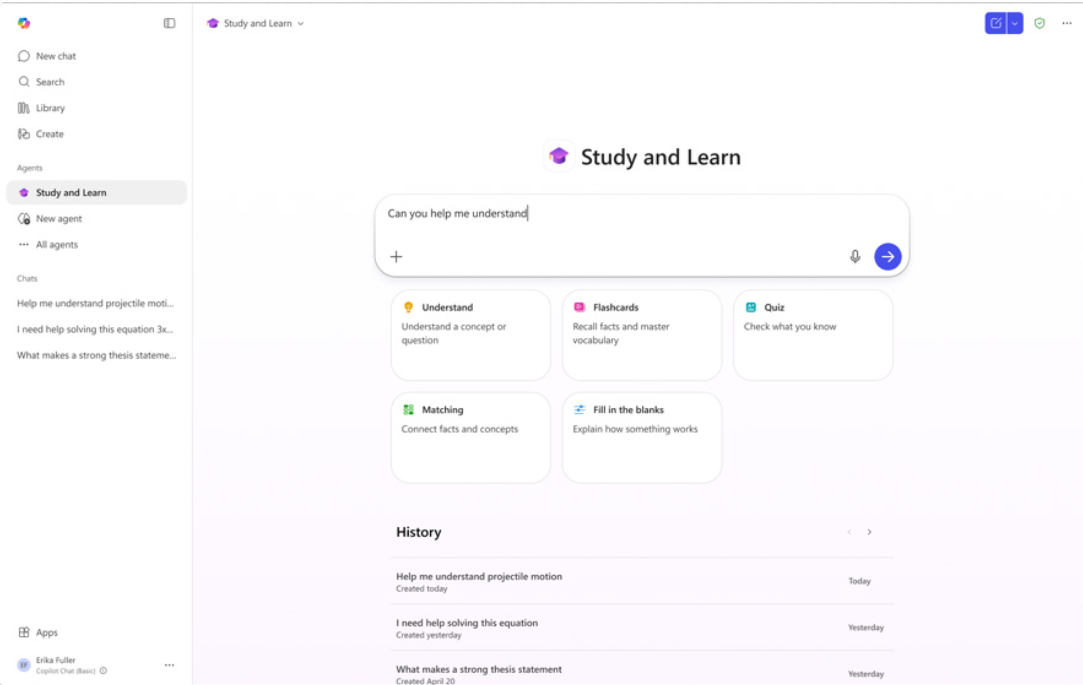
Microsoft Study and Learn Agent is now generally available in Microsoft 365 Copilot for eligible education users.
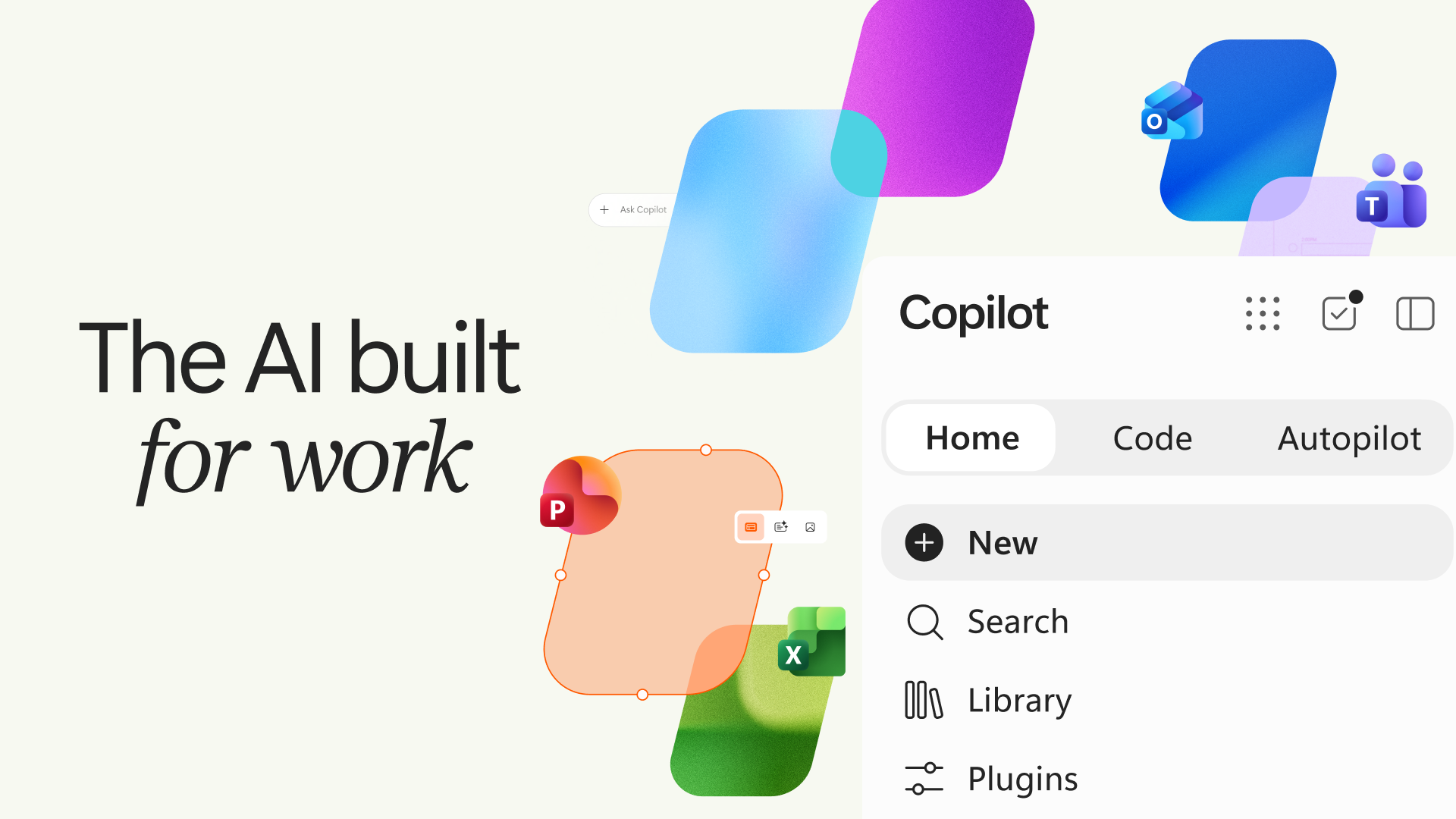
Microsoft has made Study and Learn Agent generally available inside Microsoft 365 Copilot, giving education customers a student-facing AI tool designed to support learning rather than simply return answers.
The agent is available at no additional cost for Microsoft 365 Education customers and is pre-installed for Microsoft Education A1, A3, and A5 licenses. Students aged 13 and over and educators can access the tool where Copilot Chat has been enabled.
For K-12 accounts, Copilot Chat is off by default for students and must be enabled by an IT administrator. Once access is granted, students can use Study and Learn inside the Microsoft 365 Copilot app on web and desktop, without a separate login or application.
Microsoft positions agent against answer-first AI tools
Microsoft’s launch comes as schools and universities continue to decide how much student access to AI should be allowed, restricted, or managed through approved platforms.
In a Microsoft Education blog, the company said students are already using AI to study, but many commonly used tools are not designed for education and “prioritize speed over understanding.” Study and Learn has been built as a first-party AI agent inside Microsoft 365 Copilot, with the learner expected to do the thinking.
Mike Tholfsen, Principal Group Product Manager, Microsoft Education, posted on LinkedIn that Study and Learn was “purpose-built for learning” and designed around one core principle: “learners do the thinking and learning.”
He wrote that the agent “helps students understand, think, practice and master any topic across K12, and HED.” The tool leads conversations with questions rather than answers and includes interactive activities such as flashcards, quizzes, fill-in-the-blanks, and matching exercises.
Tholfsen also wrote that Study and Learn “coaches students to think, and does not do the work for them.”
Tool uses guided questioning and practice activities
Microsoft said Study and Learn is built around learning science principles including adaptive scaffolding, productive struggle, active learning, and application and transfer.
In practice, that means the agent can ask students questions before giving explanations, provide step-by-step support, catch misconceptions, generate practice activities, and help learners work through concepts without taking over the task.
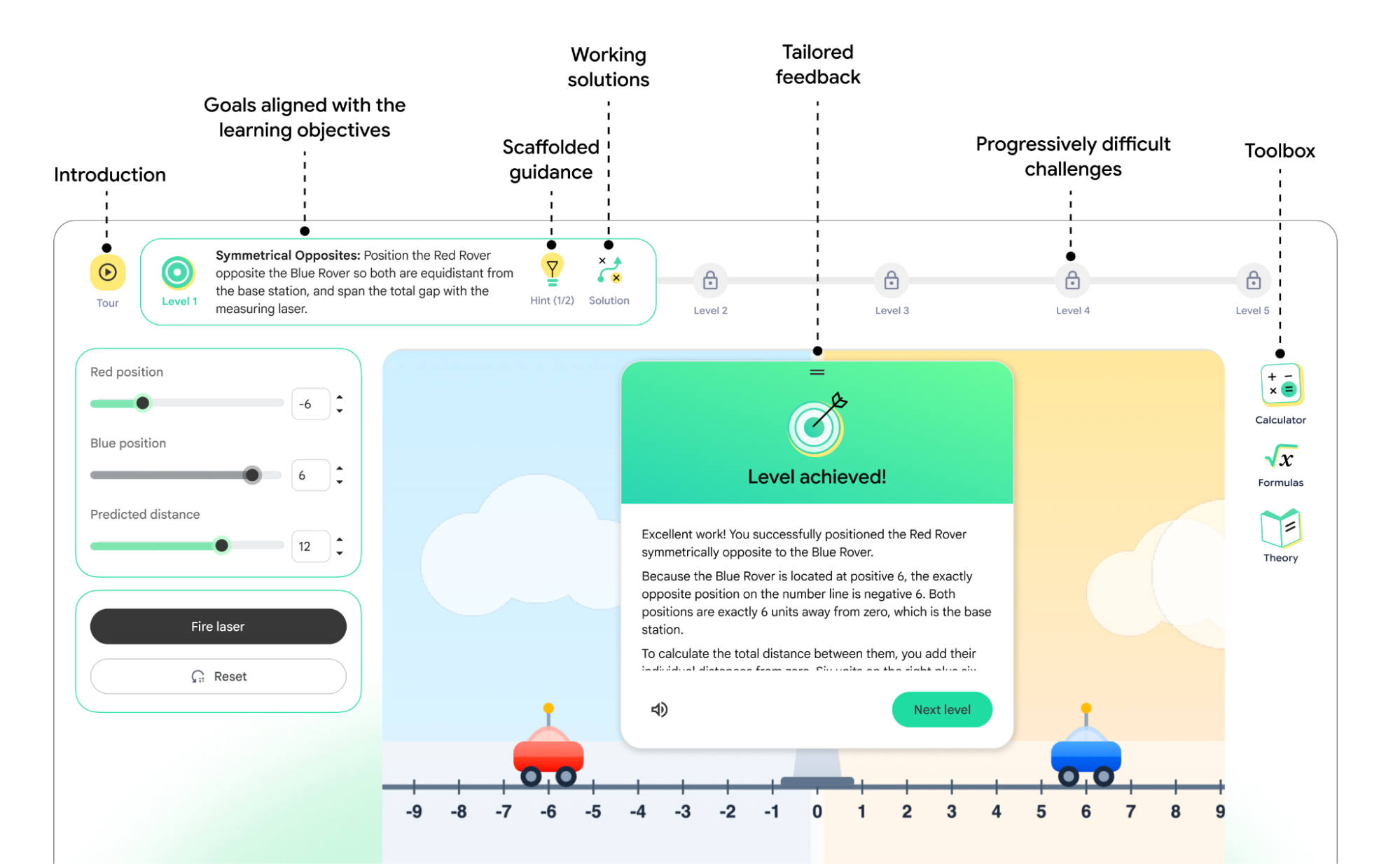
The company gave examples including a biology student generating flashcards on the cell cycle, a calculus student being guided through a problem step by step, and a history student testing the argument in an essay through follow-up questions.
The agent can also support writing, broad concept understanding, and breaking larger topics into smaller parts. Microsoft said the tool is intended to move students beyond passive review by combining guided conversation with retrieval-based practice.
Schools get access through the Microsoft 365 Education environment they already manage, with controls for IT administrators and data and privacy protections tied to Microsoft’s responsible AI approach.
English US access available first
Study and Learn is optimized and generally available in English in the US. Microsoft said additional languages will roll out in the coming weeks.
Felicity McNish, AI Workforce Senior Specialist at Microsoft, posted on LinkedIn that the Study & Learn Agent had “finally gone GA,” calling it “great news for our K-12 and Higher Education students.”
The tool sits alongside Teach, Microsoft’s AI agent for educators, as part of the company’s wider Copilot for education work. Teach is designed to support instruction, while Study and Learn is focused on helping students build knowledge and skills.
Education customers can access Study and Learn through the Microsoft 365 Copilot app. For K-12 students, IT administrators need to configure access, identify and set the Education Tenant Identifier, and set the student age group before students aged 13 and over can use Copilot Chat.