Canva opens Code 2.0 to free users with editable AI-built websites and apps
The update adds HTML imports, more than 50 templates and direct publishing, with educators already using Canva Code for classroom hubs, forms and learning games.
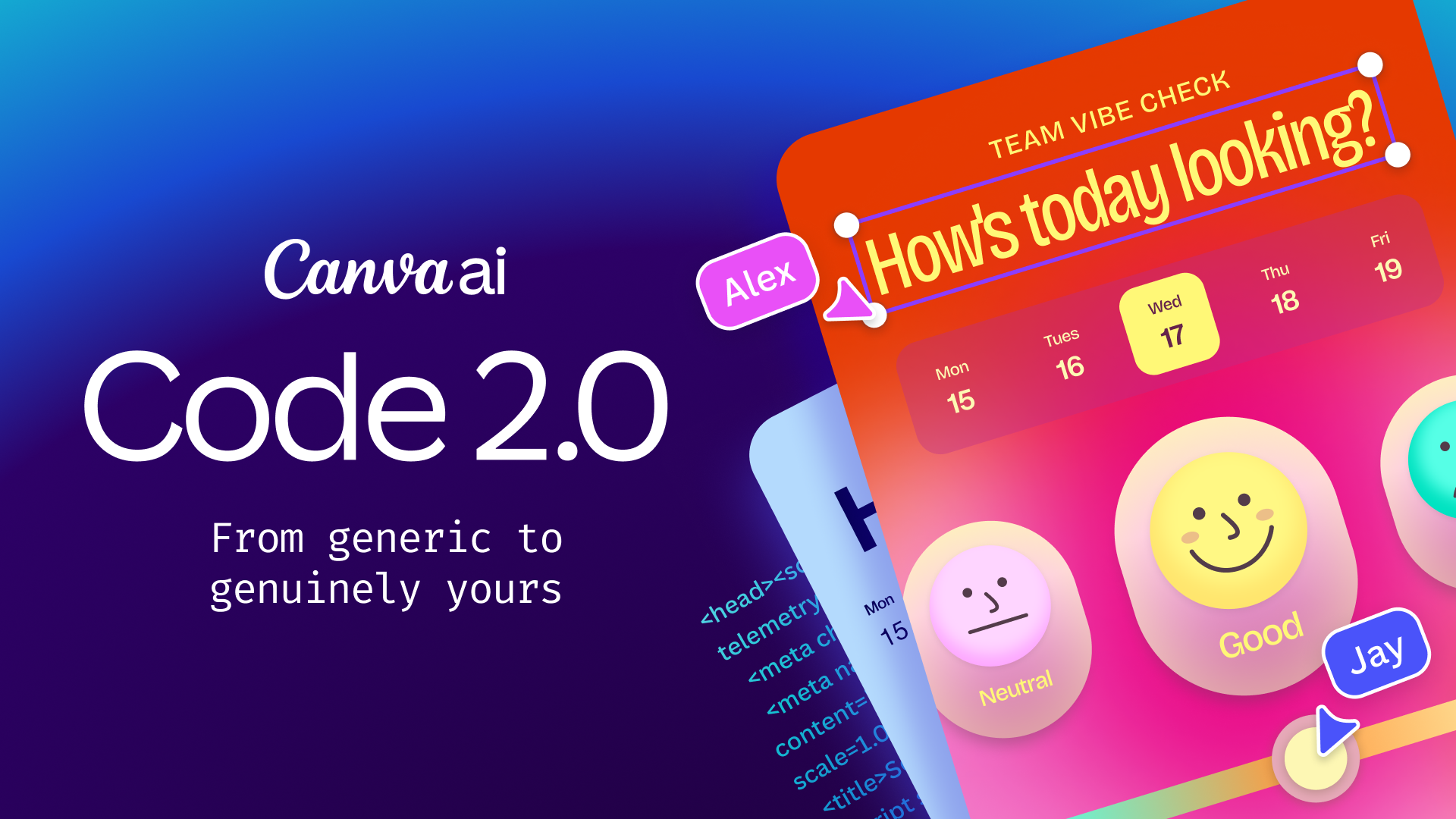
Canva Code 2.0 lets users create and edit AI-generated websites, apps and interactive experiences inside Canva
Canva has made Canva Code 2.0 available to all users, including free and education accounts, expanding access to its AI coding tool for creating websites, apps, learning hubs, games and other interactive content.
Canva Code 2.0 sits inside the Canva Visual Suite and turns plain-language prompts into interactive designs that can be edited using Canva’s existing drag-and-drop tools. Users can create a standalone experience or place an interactive element directly inside a presentation, whiteboard or other Canva design.
The update is available across Canva’s free, Pro, Business, Enterprise and Education plans. Canva has not provided separate usage limits for the different account types in the information released.
Users can begin with a prompt, choose from more than 50 Canva Code templates or import existing HTML, including work created through another AI assistant. Imported HTML is converted into an editable Canva design rather than remaining as fixed code.
Cameron Adams, Co-founder and Chief Product Officer at Canva, shared the release on LinkedIn: “Today, Canva Code 2.0 is available to everyone on Canva, free users included.”
Editing moves beyond the prompt box
Canva Code 2.0 allows users to change generated text, colors, fonts, images and individual page elements inside the Canva Editor. They can make edits manually or ask Canva AI to revise a selected part of the design.
The editor also connects Canva Code to Canva’s wider content library, which Canva says contains more than 120 million assets. Users can drag uploaded media or Canva library content directly into an interactive design and apply existing brand fonts and colors.
Adams positioned that editing control as a response to the similarity of many AI-generated websites and apps. He wrote: “When everyone has access to the same AI, the thing that sets you apart is whether what you make actually looks like you.”
Canva says code generation time has been reduced by 75 percent, while the median time between a user entering a prompt and publishing the finished output is now 30 percent faster. Canva has not disclosed the benchmark or testing method behind those figures.
Teachers use Canva Code for classroom hubs and games
Canva identified education as one of the areas where early users are applying Canva Code.
One teacher used Canva Code to build separate webpages for classrooms, giving students and parents a place to check announcements. Another created a form, published it as a website and connected the responses to Canva Sheets for uses including events, potlucks and tracking books read for prizes.
For World Book Day, 50 readers used Canva Code to create educational games across different subjects. The projects also included pedagogical guidance explaining how each game could be used in a learning environment.
Canva Code can also place an interactive page inside a presentation or whiteboard. This gives teachers and students a way to add functioning activities to existing digital learning materials rather than directing users to a separate website.
The examples shared by Canva describe individual projects rather than evaluated classroom deployments. Canva has not provided evidence on student outcomes, teacher workload or adoption across schools.
Publishing and collaboration stay inside Canva
Teams can review Canva Code projects together, leave comments and make changes in real time inside the editor.
Canva says finished projects automatically adapt to different screen sizes and can be previewed on mobile before publication. Users can publish through a free Canva domain, purchase a custom domain inside Canva or share content within an organization using single sign-on.
Interactive forms can send collected responses into Canva Sheets. Canva has not specified which single sign-on or data collection features are included with each account tier.
Canva says users have created more than six million sites since Canva Code was first introduced a year ago. Across Canva’s wider product range, the company reports more than 265 million monthly users and more than 32 billion uses of its AI features.
Canva Code 2.0 is available now to free, Pro, Business, Enterprise and Education users through the Canva Visual Suite.