Google updates Gemini in Colab with customization and guided learning tools
Updates introduce notebook-level AI controls and guided coding support as Google targets developer skills and higher education use.

Google adds customization and guided learning features to Gemini in Colab
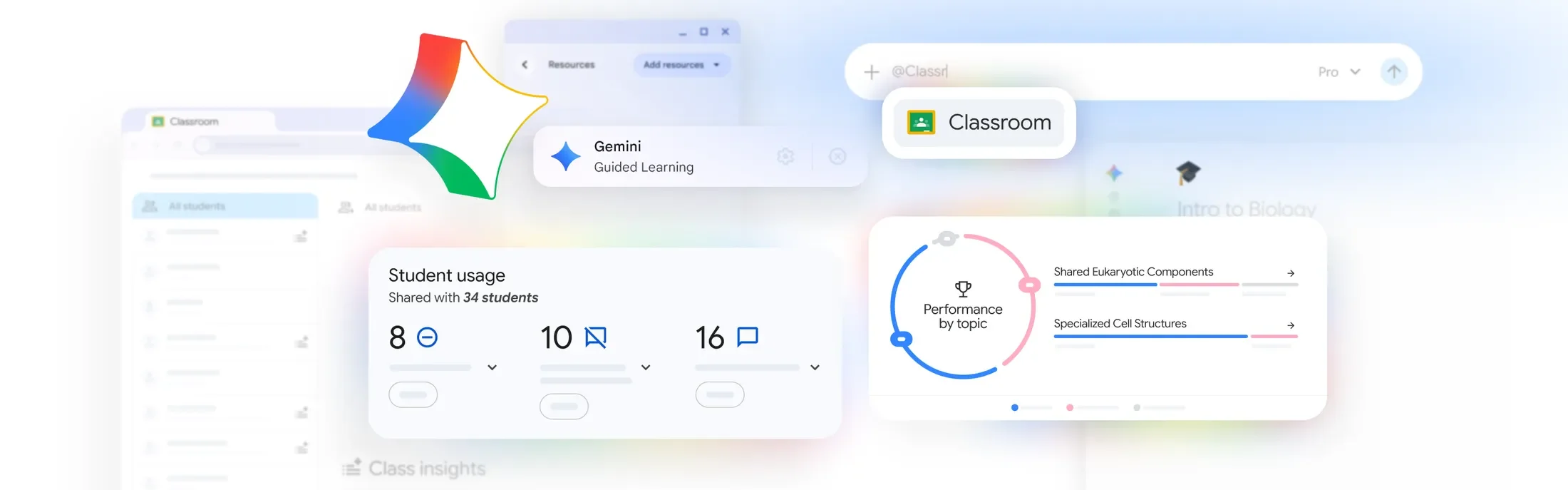
Google has introduced new updates to Gemini in Colab, adding Custom Instructions and Learn Mode to give developers, students, and educators more control over how AI supports coding and learning workflows.
Colab is Google’s cloud-based coding environment, widely used for Python development, data science, and machine learning, allowing users to write and run code directly in a browser without local setup. The update allows users to customize how Gemini operates within individual notebooks. Custom Instructions are stored at the notebook level, enabling authors to define preferences such as coding style, library choices, or project context.
These instructions persist across sessions and are shared when notebooks are distributed, meaning collaborators access the same configured AI assistant without additional setup.
In a LinkedIn post, Marta McAlister, Director, Gemini for Education at Google, said the updates are designed to “help you customize your Gemini agent in Colab” and provide more control over how the assistant supports users.
The change reflects a shift toward more configurable AI tools, where developers and educators can adapt assistants to specific workflows rather than relying on fixed outputs.
Shift toward guided learning in AI tools
Learn Mode introduces a different approach to AI-assisted coding. Instead of generating full code responses, the feature provides step-by-step explanations and guidance.
The mode is positioned as a way to support skill development, particularly for students or developers learning new frameworks. It can be enabled directly within the Gemini chat interface in Colab.
McAlister said Learn Mode is designed to provide “step-by-step guidance, instead of writing code for you,” positioning Gemini as a tool for learning rather than only task completion.
The feature builds on growing demand for AI tools that support understanding, not just output, particularly in higher education and training environments.
Implications for education and developer workflows
The combination of persistent customization and guided learning signals a broader shift in how AI tools are used in education and development.
By embedding instructions within notebooks and enabling shared AI configurations, Google is aligning Colab more closely with collaborative learning and teaching use cases. At the same time, Learn Mode addresses concerns around over-reliance on generated code by encouraging users to engage with underlying concepts.
The updates suggest a move toward AI systems that are both adaptable and instructional, particularly as demand grows for tools that support coding skills, digital learning, and workforce readiness.