ChatGPT for PowerPoint enters beta for education, business, and individual users
The PowerPoint add-in lets users create slides, edit existing decks, summarize source material, and review presentation narratives inside Microsoft PowerPoint.
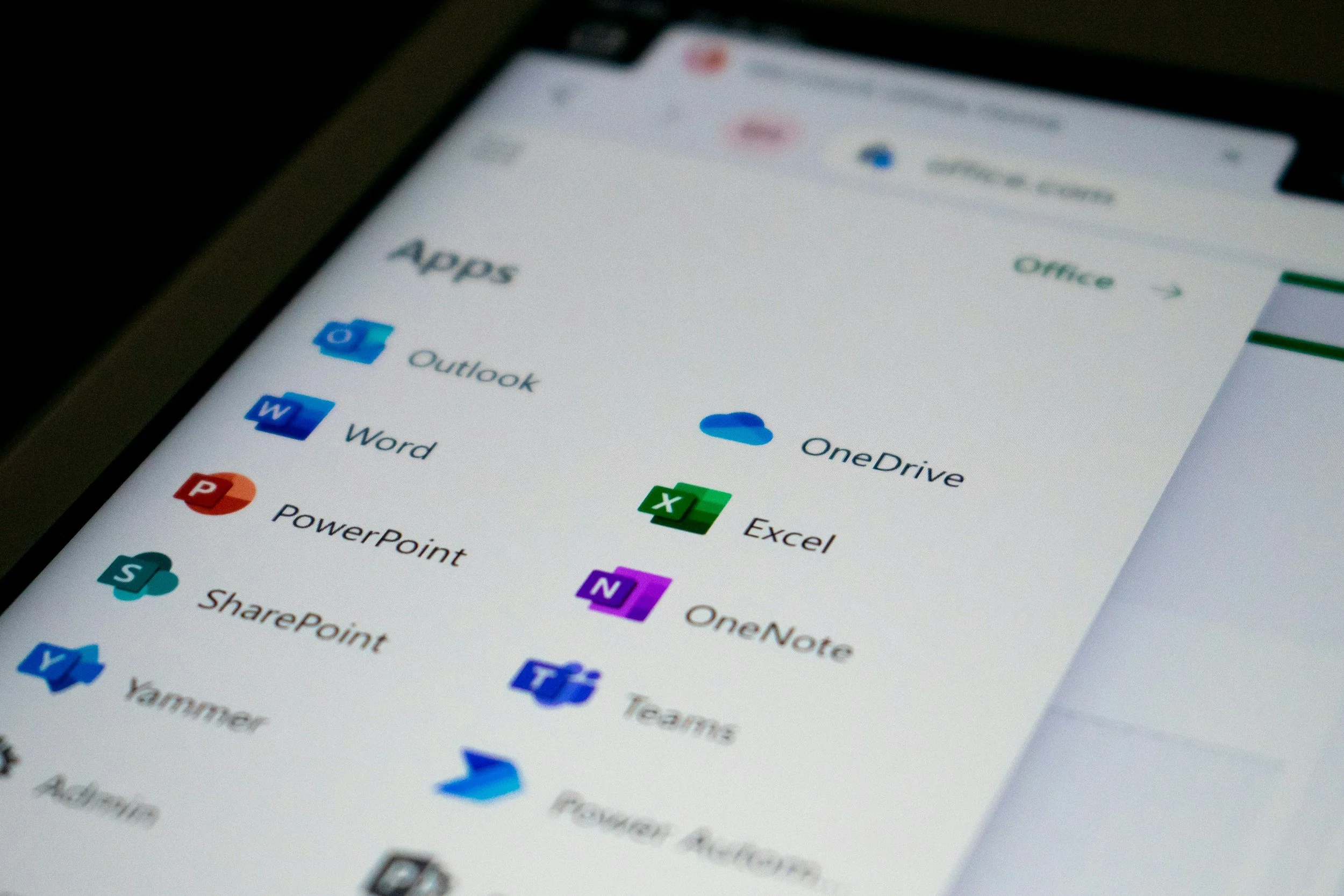
OpenAI has launched ChatGPT for PowerPoint in beta, allowing users to create, edit, and review slides directly inside PowerPoint.
OpenAI has launched ChatGPT for PowerPoint in beta, bringing slide creation, deck editing, and presentation review tools directly into Microsoft PowerPoint.
The add-in is available globally in beta for ChatGPT Business, Enterprise, Edu, Teachers, and K-12 users, as well as ChatGPT Free, Go, Pro, and Plus users.
ChatGPT for PowerPoint allows users to start from notes, documents, spreadsheets, prompts, or an existing deck, then ask ChatGPT to create slides, rewrite content, tighten structure, add sections, or polish a draft.
The product works inside PowerPoint and is designed to keep slide content editable, rather than moving presentation work into a separate AI workspace. Users install the add-in from Home, Add-ins, search for ChatGPT, open it from the PowerPoint ribbon, and sign in with an OpenAI account.
The beta release is likely to be watched closely by schools, universities, and workplace learning teams already dealing with AI-generated presentations, assessment materials, training decks, and internal communications.
Users can create and edit slides in plain language
ChatGPT for PowerPoint supports presentation creation and editing through natural language prompts.
Users can ask ChatGPT to turn source material into presentation-ready content, update an existing deck, rewrite slides, create a new section, improve hierarchy, or make a presentation more concise.
The add-in can also review a deck’s structure and narrative. Users can ask what a presentation says, where the story is weak, what is missing, and what an executive audience might ask.
That gives the product a role beyond slide generation. It can be used to summarize, restructure, and turn dense slides into clearer takeaways, although OpenAI warns that users should review the output before relying on it.
PowerPoint add-in connects to ChatGPT accounts
ChatGPT for PowerPoint connects through a user’s OpenAI account. Access depends on plan, workspace settings, and administrator controls.
Workspace administrators can manage availability based on plan, workspace settings, and admin controls. Apps connected to a user’s ChatGPT account can also be used in ChatGPT for PowerPoint, depending on plan access, administrator settings, app availability, user permissions, and data-source entitlements.
For ChatGPT Business, ChatGPT Enterprise, ChatGPT Edu, and ChatGPT for Teachers, data shared with ChatGPT is not used to improve OpenAI’s models by default.
The add-in supports common source materials available in ChatGPT, including presentations, spreadsheets, documents, images, and text files, subject to file size and attachment limits.
Beta status brings review warning
OpenAI describes ChatGPT for PowerPoint as an early release, meaning features and performance may change as feedback is collected.
The company warns that results may be incomplete or incorrect, and that users should review slide content, formatting, claims, and numbers before sharing or relying on a deck.
Some advanced PowerPoint capabilities may not be supported yet, including complex formatting such as template or font handling. ChatGPT may also change or delete content if a request is unclear.
The beta is available globally across eligible ChatGPT plans. OpenAI advises users to be specific in their requests, review what changed, and keep a copy of important decks before using the add-in on existing presentations.