Canva adds Google Gemini integration to bring design creation into AI workflows
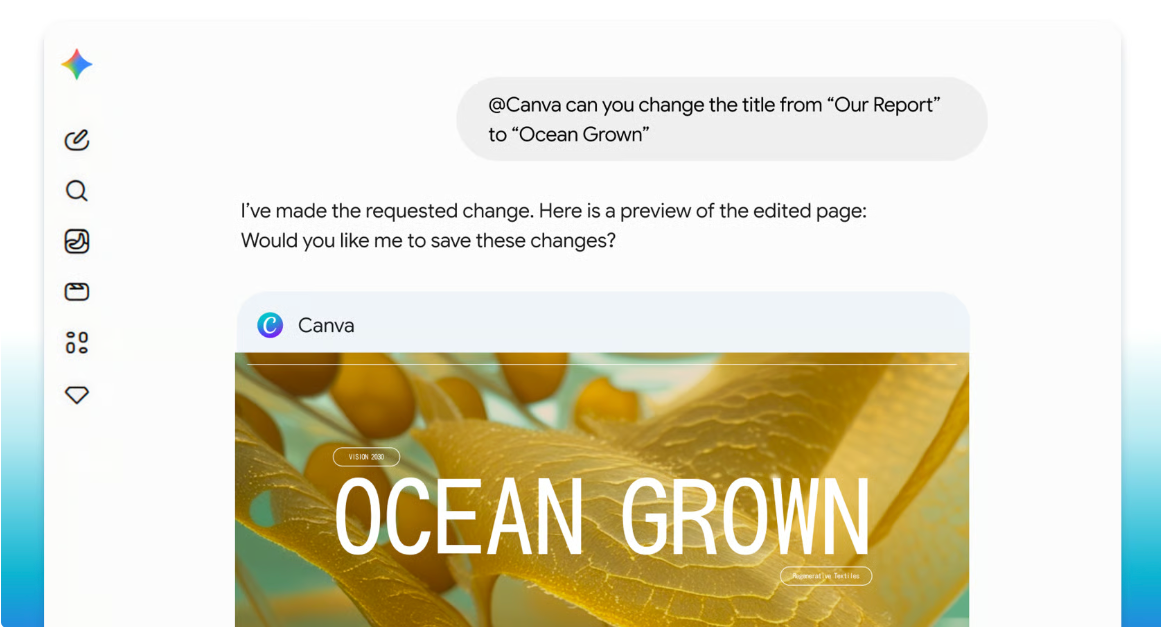
Canva has added a Google Gemini integration that lets users generate, edit, resize, and repurpose designs through @Canva prompts.
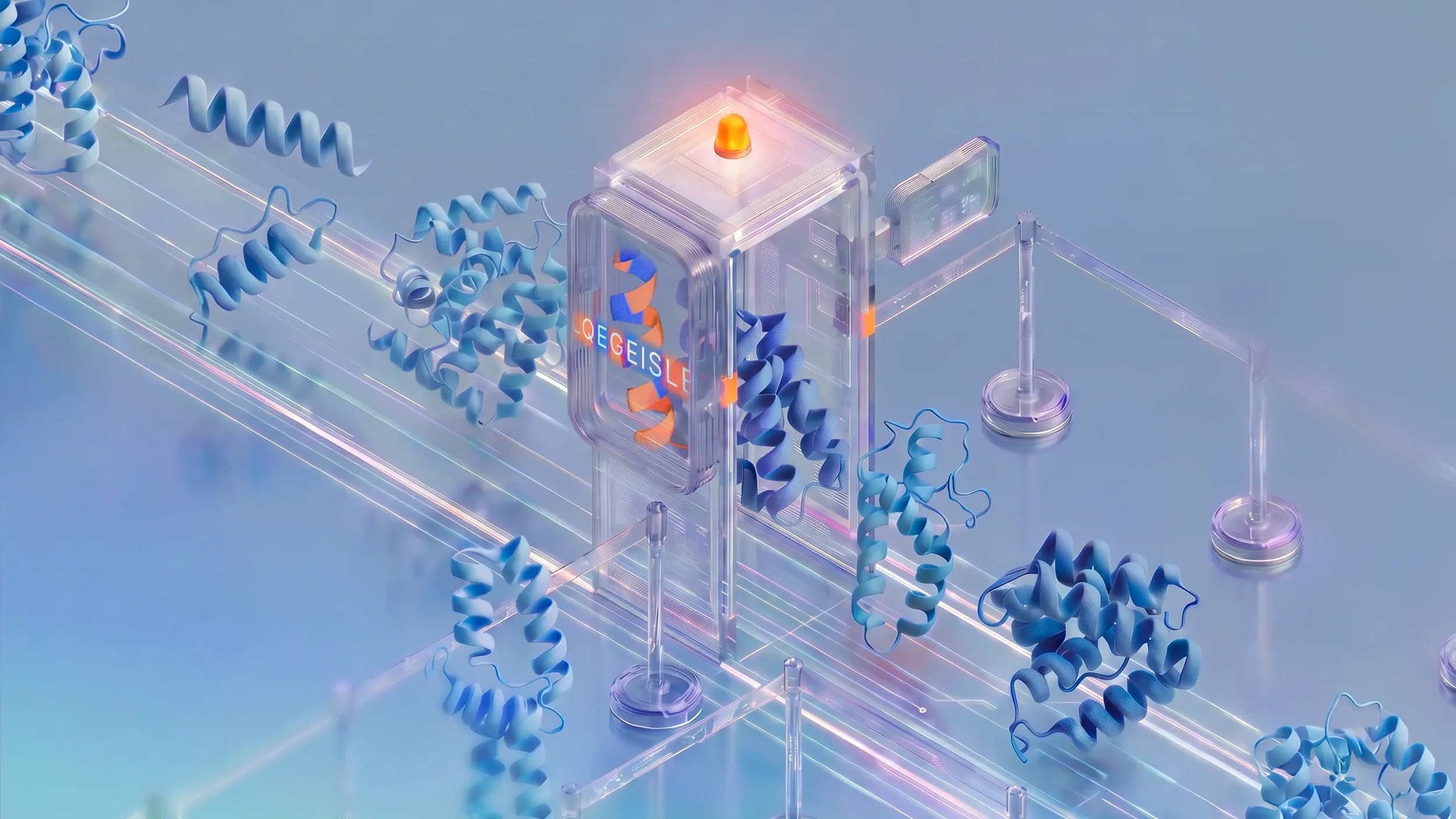
Canva has expanded its AI assistant integrations with a new Google Gemini connection, allowing users to create, search, summarize, edit, resize, and repurpose Canva designs from inside the Gemini app.
The integration is powered by Canva’s Model Context Protocol (MCP) Server and works through Canva’s AI Connector. Users connect their Canva account to Google Gemini and type @Canva to start working with Canva content inside the Gemini conversation.
For education, training, marketing, and workplace teams, the update brings design tasks into the same AI workflows where users are already drafting ideas, generating images, planning content, and building presentations. Canva says users can also turn Gemini-generated images into editable layouts using Canva Magic Layers.
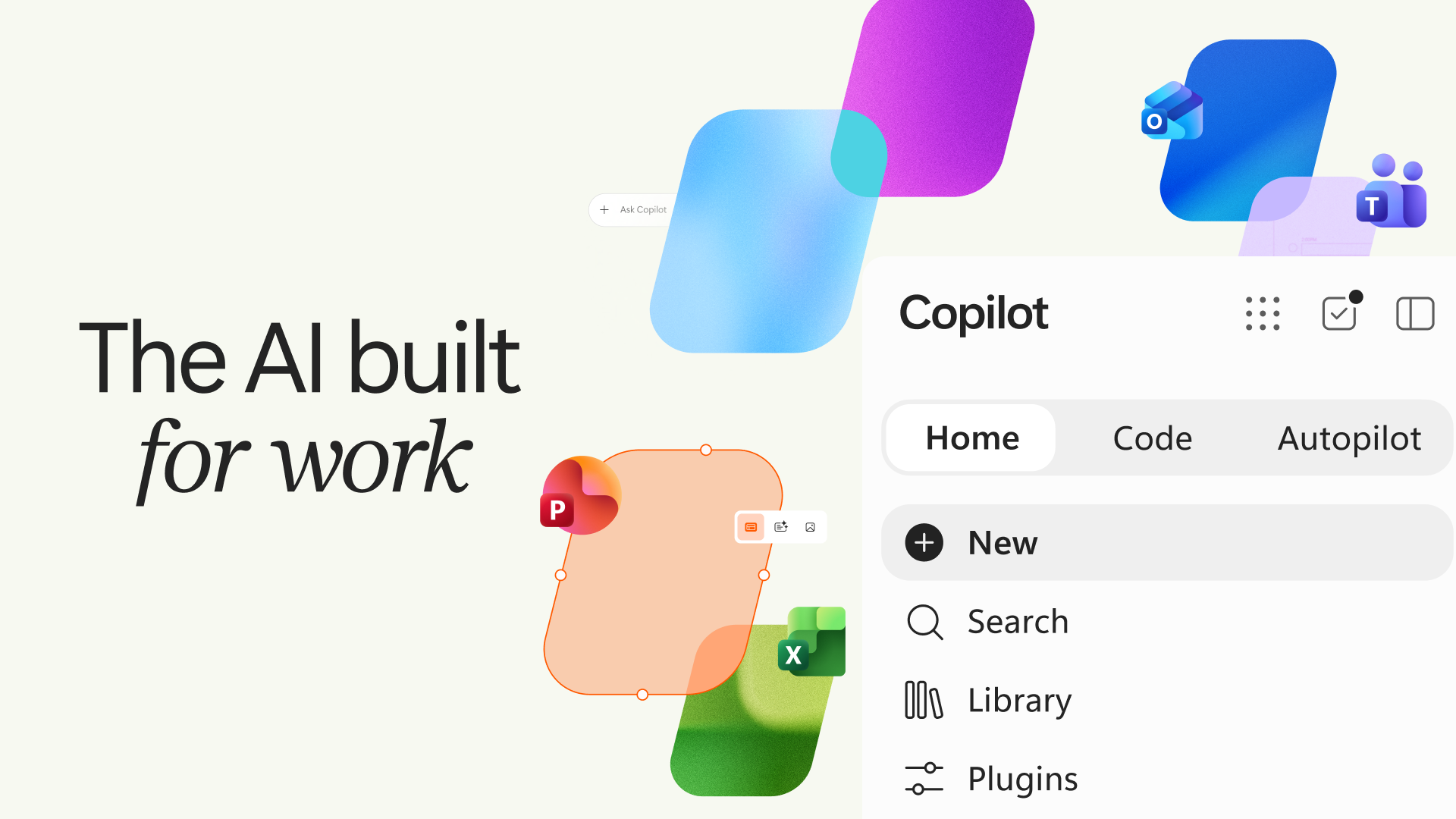
The launch follows Canva’s recent integrations with Claude, ChatGPT, and Microsoft Copilot, and comes after Google’s recent Gemini update activity. Canva is positioning the Google Gemini integration as part of a wider move to bring design into AI assistants rather than forcing users to switch between separate tools.
The integration is available through a connected Canva account inside Google Gemini. Canva Enterprise teams can also use Gemini conversation context to autofill brand templates.
Canva adds design tools to Gemini conversations
Canva says the integration allows users to generate on-brand designs from a single chat, browse and summarize existing Canva content, edit text and images across slides, resize designs for different platforms, and repurpose existing creative assets.
The connection also supports Brand Kit prompts, meaning Canva can use a team’s colors, fonts, and visual identity when creating designs in Gemini. Canva says this is designed for teams that need designs to stay consistent across different formats and audiences.
Users can prompt @Canva in Gemini to rewrite a headline, update copy across slides, translate designs, or adjust visual elements. The company says the workflow is intended to keep design edits inside the AI conversation, rather than moving users back and forth between separate apps: "Following recent integrations with Claude, ChatGPT, and Copilot, we're pleased to announce our latest integration with Google Gemini, making it easier to move from idea to finished design in a single, connected flow."
Magic Layers turns Gemini images into editable designs
Canva’s Magic Layers feature allows users to generate an image in Gemini and open it in Canva as an editable layout. Canva says Magic Layers separates elements into individual layers, so users can adjust text, design elements, and other parts of the image.
The feature is likely to be useful for teams creating presentations, social content, classroom materials, marketing assets, and internal communications where AI-generated images need further editing before publication.
Canva says users can also search and summarize existing Canva content through Gemini. That gives users another route into previously created slide decks, reports, social posts, and branded assets.
Canva builds out its AI assistant strategy
The Google Gemini integration adds another major AI assistant to Canva’s external workflow strategy. Canva has already launched integrations with Claude, ChatGPT, and Microsoft Copilot over the past year: "Over the past year, we’ve expanded our presence across leading AI assistants, bringing design directly into conversations where ideas are formed, refined, and shared. Together, these integrations reflect a clear vision: design should be as accessible and intuitive as the tools people already use to think and collaborate."
Canva says the Gemini integration is private and securely synced once a user connects their Canva account.